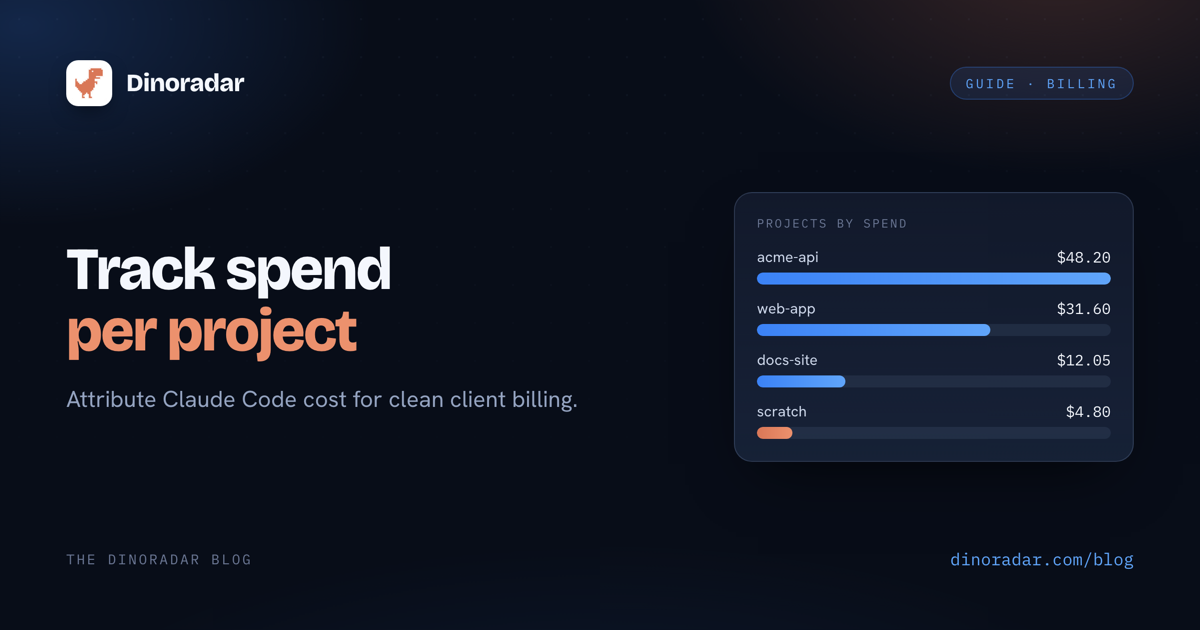
You run Claude Code across five, maybe ten client repos. At month end, one question you can't answer with a straight face: which client actually ate your Claude budget? The total went up. But was it Client A's migration, or that afternoon you let it loose on a legacy codebase?
For a freelancer or small agency, that's the gap between an invoice you can defend and a number you made up.
Where the data already lives
Claude Code writes every session to local transcript files under ~/.claude/projects/ — one folder per project, .jsonl files, one JSON object per line. Every token count is in there.
So your cost per project is knowable but scattered. It's real, local, and complete — and completely impractical to read by hand. A single active project can produce thousands of lines a week, and the cost isn't in there: you'd have to map every model id to a price and multiply it out yourself.
How to track it with Dinoradar
Dinoradar is a macOS menu-bar app that reads those same transcripts — read-only, 100% on your machine — and rolls them up per project.
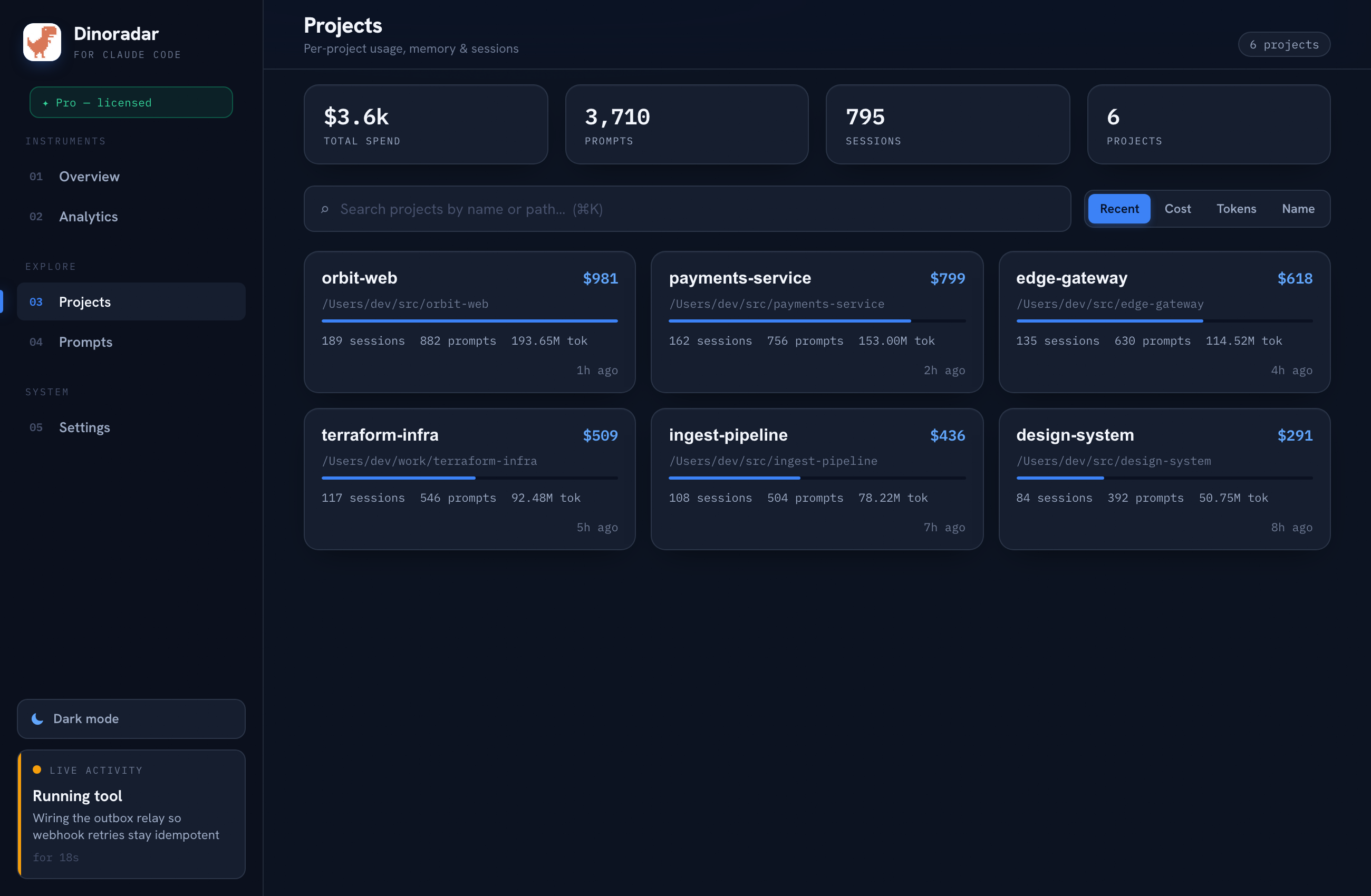
Projects ranked by spend. Every project you've used Claude Code in, sorted by cost, highest first. The "which client is eating my budget" question, answered in one screen.
Project detail. Click in for sessions, branches, and top tools. When a client asks "what was all this for," you can see the shape of the work.
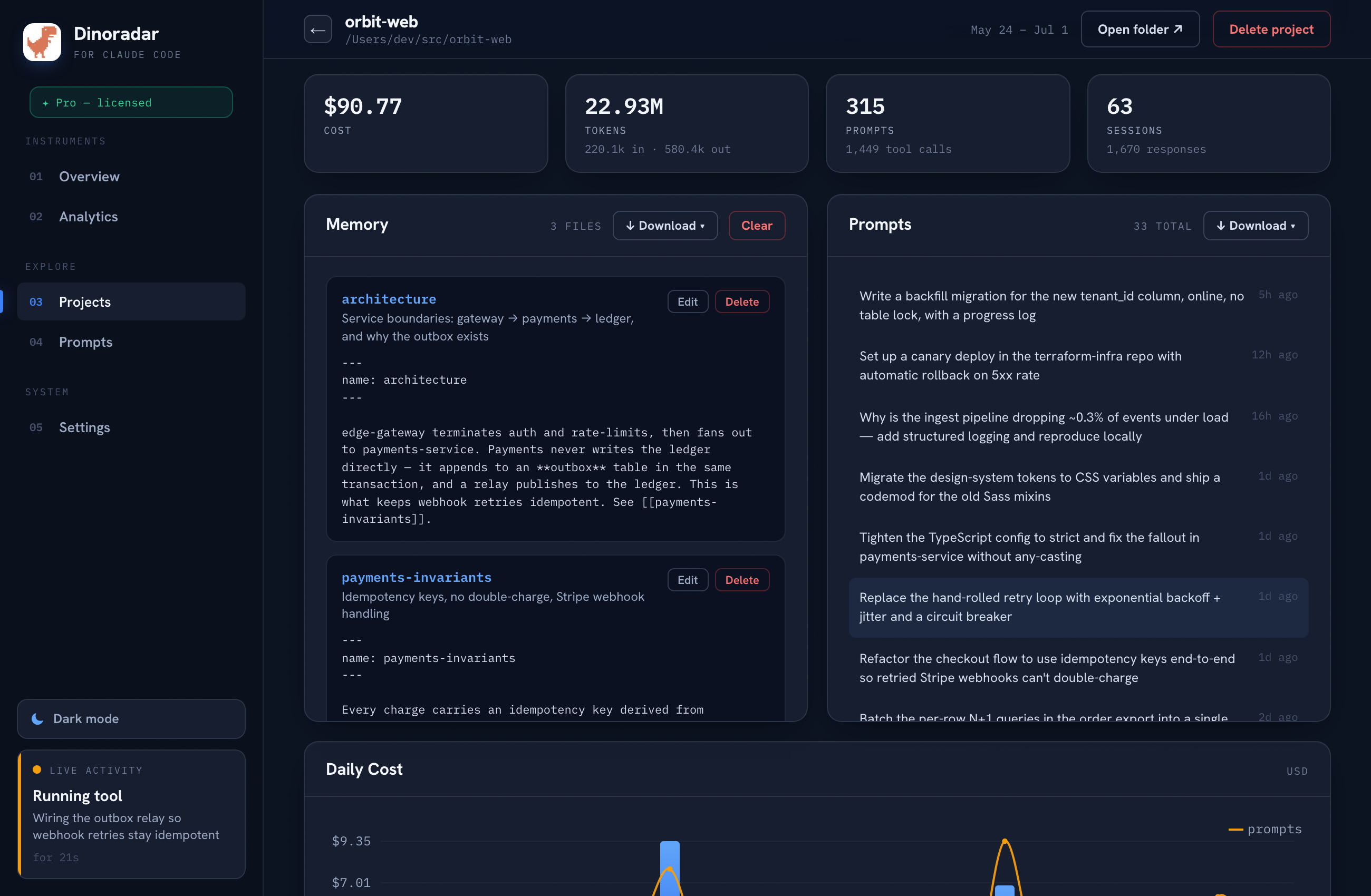
Priced per model. Each model id is charged from the LiteLLM public price catalog, so claude-opus-4-8 bills at its own rate, not a blended guess.
Filtered by date. Narrow to a billing cycle and every number updates to match. No mental math.
Example: one month across clients
Illustrative — your numbers will differ.
| Project | Sessions | Cost |
|---|---|---|
| acme-api | 42 | $48.20 |
| web-app | 27 | $31.60 |
| docs-site | 9 | $12.05 |
One project usually does most of the damage — and now you can see it by name.
Turning it into a client bill
- Filter to the billing period first. Everything downstream respects the range, so the figure you copy is already scoped.
- Screenshot or export the per-project view. A dated screenshot showing cost per project is a strong backup when a client questions a usage line.
- Note the caveat on the invoice. Say which basis you're using (see below) — it's a better conversation than getting caught rounding.
Subscription vs API-equivalent
If you pay per-token via the API, the figures track your real spend closely. If you're on a Claude subscription (Pro, Max), you pay a flat fee and Claude Code adds no per-token charge — so the dollar amounts are notional: the API-equivalent cost, i.e. what that usage would have cost at pay-as-you-go rates. Still a defensible way to attribute effort across clients, but say which basis you're using if you pass costs through.
Either way, the proportions are real. If Client A shows up as 60% of your usage, that's true whether the number is literal or notional.
Stop guessing which client cost you what
14-day free trial, then $29 once (up to 3 Macs). 100% local — no account, no telemetry, your transcripts never leave your machine.
Dinoradar is an independent tool and is not affiliated with, endorsed by, or sponsored by Anthropic. "Claude" and "Claude Code" are trademarks of Anthropic.