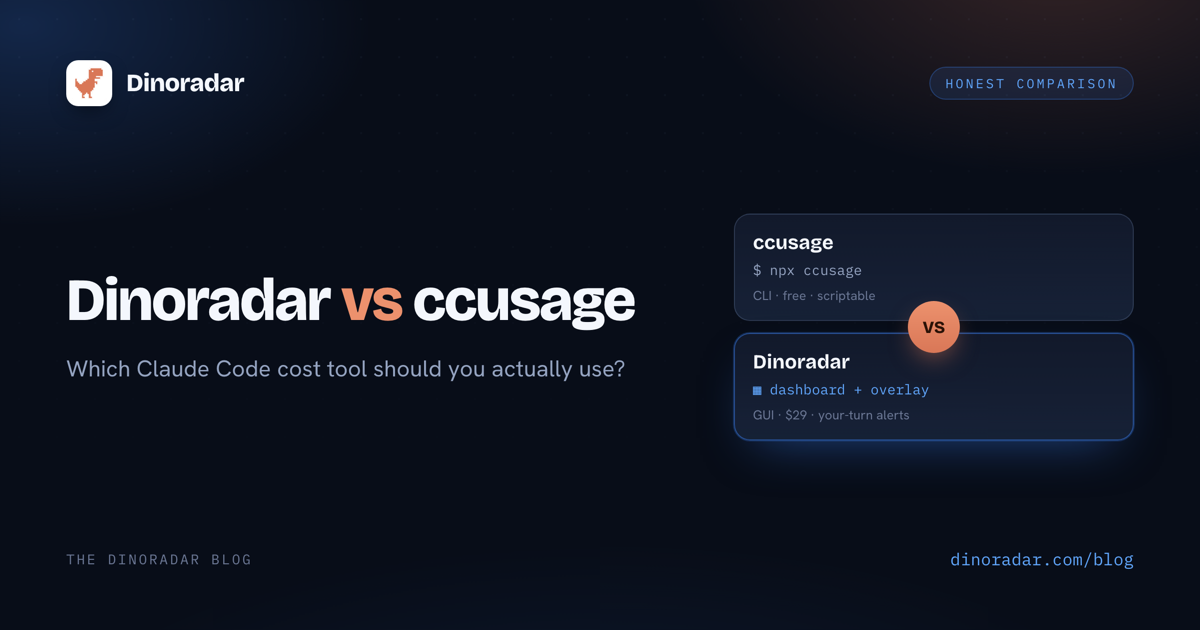
If you use Claude Code daily, you've had the thought: I have no idea what this is costing me. Both Dinoradar and ccusage fix that, and both start from the same place — the local JSONL transcripts Claude Code writes to ~/.claude/projects/.
Neither tool phones home. Both read files already on your disk and report the same numbers. So the real question isn't which one gets the costs right — both do. It's what you want on top of the numbers.
What ccusage does well
Let's be clear: ccusage is genuinely good, and I'm not here to talk you out of it.
- Free and open source. ryoppippi/ccusage is MIT-licensed — read every line, no paywall.
- Zero install.
npx ccusage@latestand you're looking at today's spend. - Fast. Parses the JSONL and prints. No Electron, no window, no ceremony.
- Scriptable. It's a CLI with JSON output — pipe it, cron it, drop it in a status line.
If your workflow is terminal-first and you just want numbers on demand, ccusage may be all you need. Genuinely. Bookmark it.
Where Dinoradar is different
Dinoradar reads the same JSONL, read-only, and reports the same costs. Cost tracking is table stakes — the difference is what surrounds the numbers.
The real-time "your turn" overlay. This is the wedge, and it's the thing ccusage fundamentally can't do — a CLI that prints and exits can't watch your session. Dinoradar puts a small floating HUD on screen that flips red and says NEEDS YOU the instant Claude Code is waiting on you: a question, a permission prompt, a finished task. Then it pulls you back to the right terminal.
If you've ever kicked off a long task, tabbed away, and come back to find Claude sat on a yes/no prompt for nine minutes — you get why this exists.
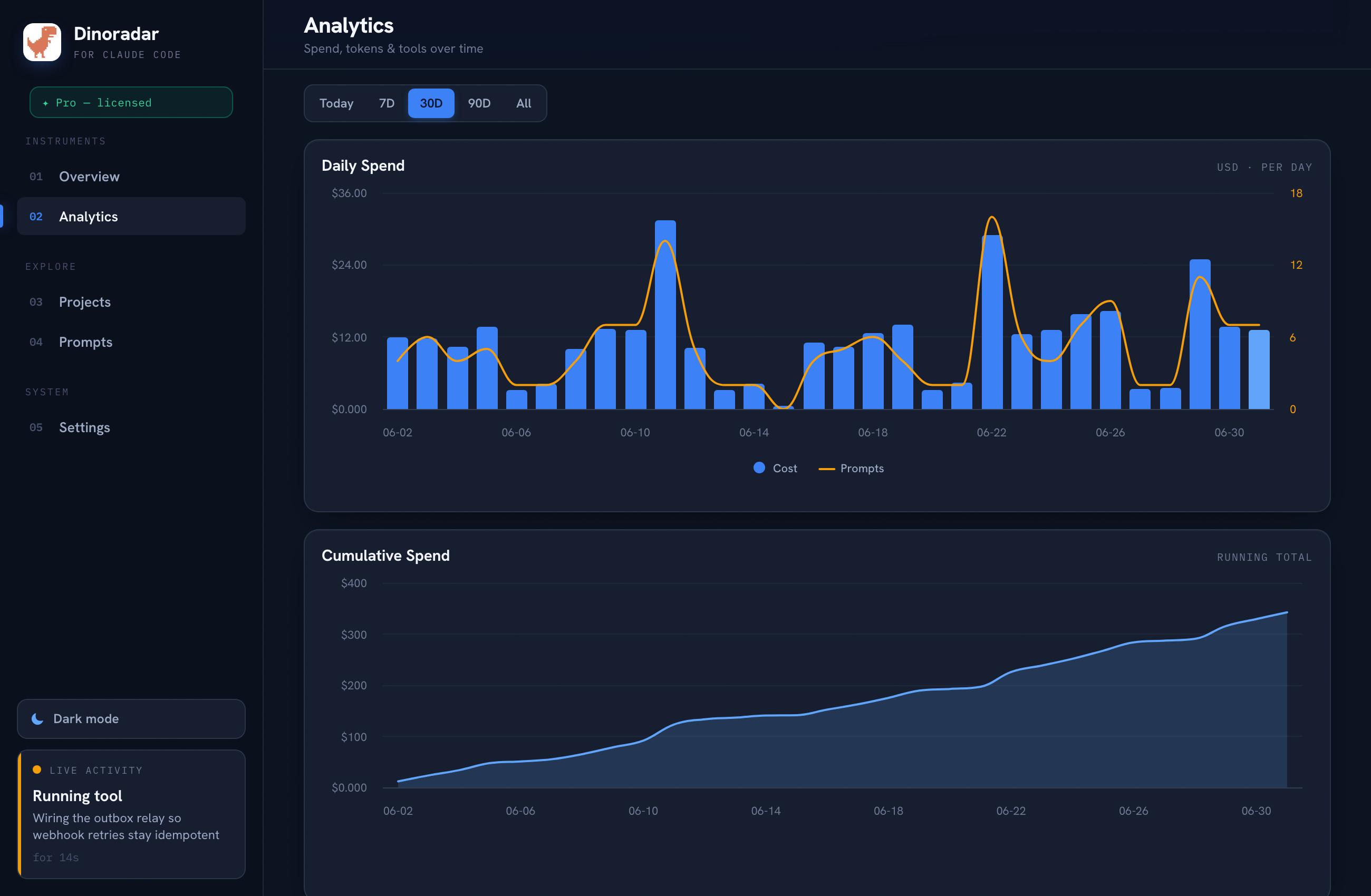
A GUI dashboard with actual charts. A menu-bar app that's always current, no re-running commands:
- Daily spend over time — the trend, not just today.
- Token mix — input vs. output vs. cache, visualized.
- Per-project and per-tool breakdowns — see which repo eats your budget.
Menu-bar status at a glance. Current usage lives in the macOS menu bar. Just a number you glance at while you work.
Same privacy posture. 100% local. No account, no telemetry, no cloud. Read-only, and nothing ever leaves your machine — you don't trade away trust to get a GUI.
Side-by-side
| ccusage | Dinoradar | |
|---|---|---|
| Price | Free, open source (MIT) | 14-day trial, then $29 once, 3 Macs |
| Interface | CLI (terminal) | macOS menu-bar GUI |
| Cost / token analytics | Yes | Yes |
| Charts | No (text tables) | Yes (spend, token mix, breakdowns) |
| Per-project view | Yes (text) | Yes (visual) |
| Real-time "your turn" alert | No | Yes — floating overlay HUD |
| Menu-bar status | No | Yes |
| Privacy / local | 100% local | 100% local, no account, no telemetry |
| Install | npx, zero install | Download app (macOS 12+, Apple Silicon) |
| Scriptable / pipeable | Yes | No (it's a GUI) |
The split is clear: ccusage wins on free and scriptable. Dinoradar wins on the visual dashboard and, above all, the real-time overlay ccusage has no equivalent for.
When to use which
Use ccusage if:
- You live in the terminal and want numbers on demand.
- You want to pipe usage data into scripts, cron, or a status line.
- Free and open source is a hard requirement.
- You're watching the session anyway and don't need to be interrupted.
Use Dinoradar if:
- You want a persistent visual dashboard instead of re-running a command.
- You want per-project and per-tool spend at a glance from the menu bar.
- You kick off long tasks, tab away, and hate coming back to a stalled prompt.
- You want the overlay to pull you back the moment it's your turn.
These aren't mutually exclusive — they read the same files and don't step on each other. Plenty of people keep ccusage for quick checks and run Dinoradar for the dashboard and overlay.
Try it
Dinoradar is free for 14 days, then $29 once (no subscription, up to 3 Macs), and 100% local — try it here.
Dinoradar is an independent tool and is not affiliated with, endorsed by, or sponsored by Anthropic. "Claude" and "Claude Code" are trademarks of Anthropic. ccusage is an independent open-source project by its respective authors.