You kick off a long Claude Code run and tab away — Slack, a review, another repo. Ten minutes later you come back and Claude has been sitting there the whole time, blinking, waiting on a permission prompt it fired eight minutes ago. Or it finished, and you never knew.
That's the babysitting tax. Either you stare at the terminal so you don't miss your turn, or you tab away and lose track of when Claude actually needs you.
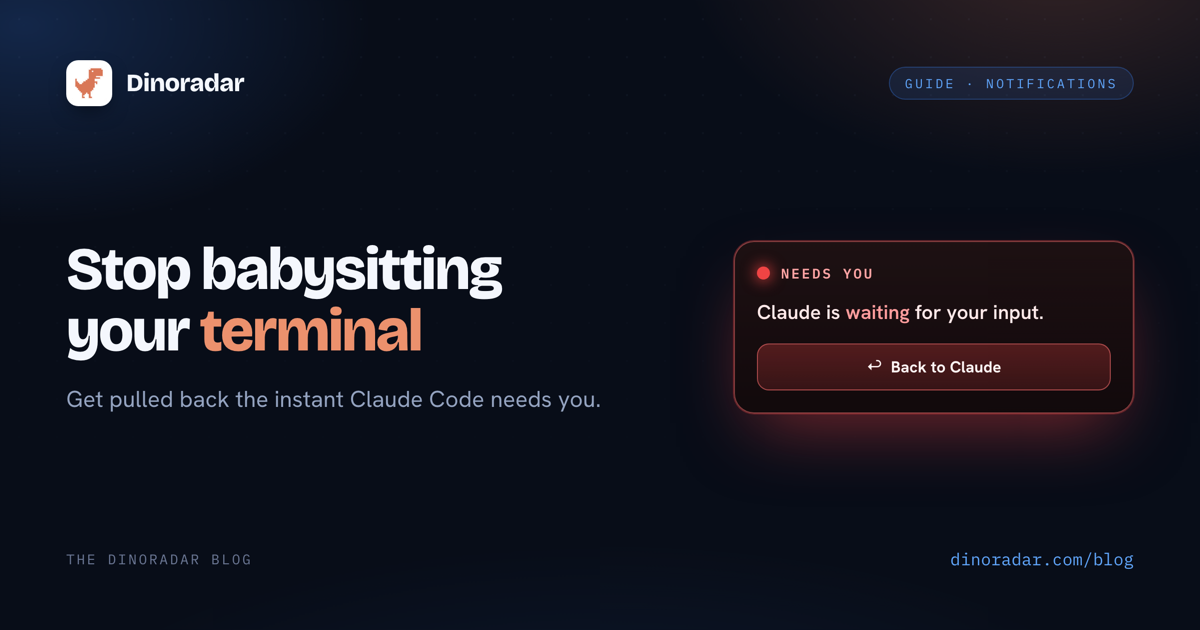
This post fixes it with proper Claude Code notifications — a floating "your turn" HUD, one click from your terminal.
Why you keep missing your turn
Agentic sessions are long and unpredictable, and the moments Claude needs you are the easiest to miss:
- Permission prompts block silently. No sound, no bounce. Claude just waits.
- "Your turn" has no signal. The cursor blinks the same way whether Claude is thinking or done.
- Multiple sessions make it worse. The blocked one is never the pane you're looking at.
The terminal was never built to tap you on the shoulder.
How Dinoradar detects "your turn"
Dinoradar hooks into Claude Code's own lifecycle events. Setup installs a small set of hooks into ~/.claude/settings.json (backed up first, removable anytime). Every event maps to a HUD state:
| Hook event | HUD state |
|---|---|
UserPromptSubmit | 🔵 Working |
PreToolUse | 🟠 Running a tool |
PermissionRequest | 🔴 NEEDS YOU — the reliable signal |
Stop | 🟢 Done — your turn |
PermissionRequest is the one that matters: the actual event Claude fires when it's blocked on your decision — not a guess about idle time. Stop is the clean "task's done, come back" signal. Because this rides real hook events instead of scraping the terminal, the state is accurate.
Why a HUD beats a system notification
macOS notifications are built to be dismissed — they slide in, sit four seconds, and vanish into a tray you never open. For a "your turn" signal that might sit for minutes, that's the wrong tool.
| macOS notification | Dinoradar HUD | |
|---|---|---|
| Stays on screen until handled | ✗ | ✓ |
| One-click back to terminal | ✗ | ✓ |
| Lists every session, most urgent first | ✗ | ✓ |
| Menu-bar glance | ✗ | ✓ |
| Fires on permission prompts reliably | ✗ | ✓ |
The HUD floats above everything. Red means stop — loud, unmissable, persistent. Working and thinking states stay calm, so the alarm means something when it fires. Hit the ↩ Back to Claude button and your terminal jumps to the front — iTerm, Terminal, VS Code, Ghostty, Warp, or WezTerm. Running several sessions? The HUD lists them all, blocked one on top.
It also tracks cost
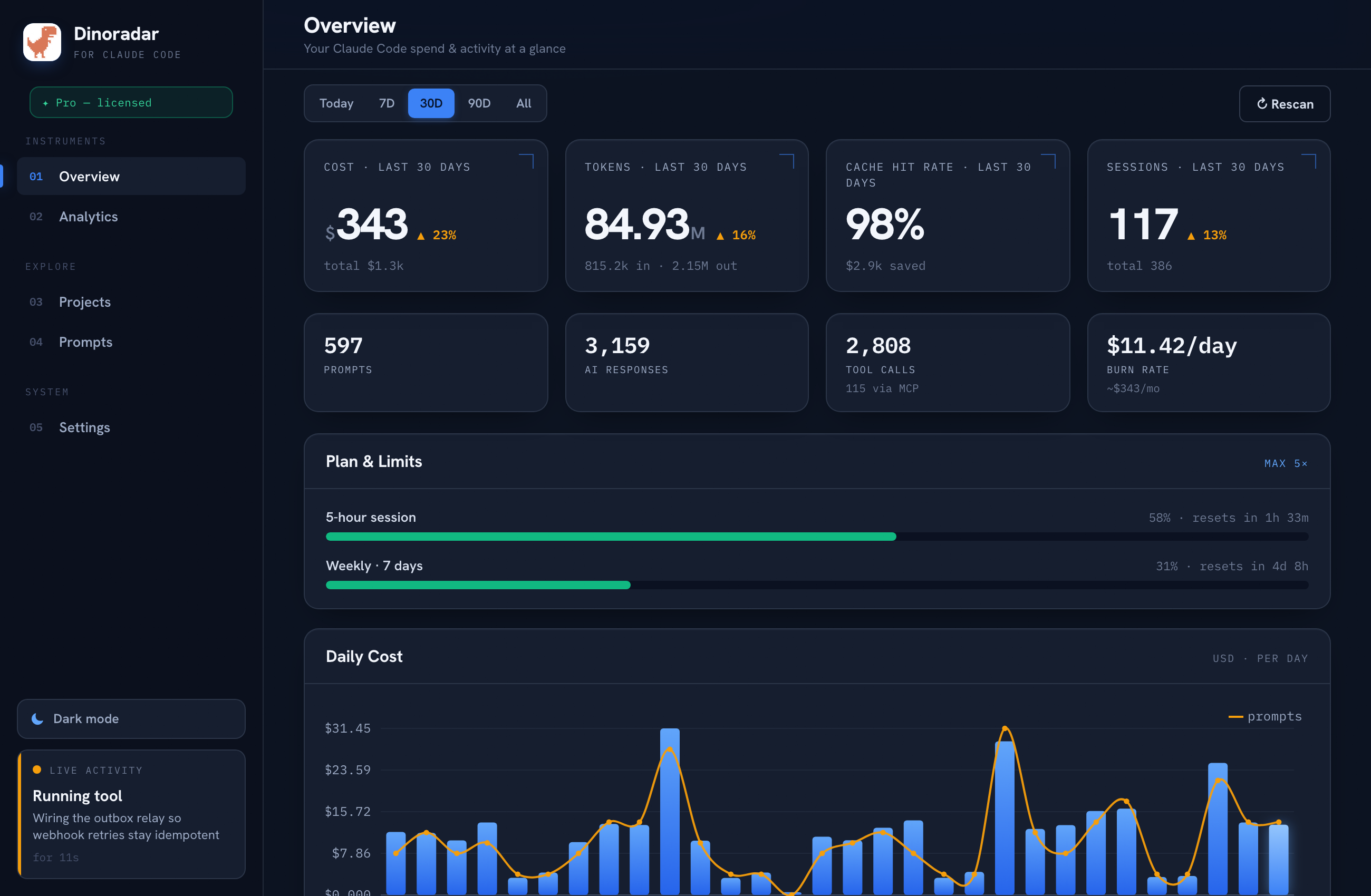
While it watches your sessions, Dinoradar keeps local cost and usage analytics — how much your Claude Code work is spending, broken down so you can see where the tokens go. A bonus, not the headline, and it stays on your machine.
Try it
Dinoradar is 100% local — no account, no telemetry, nothing leaves your Mac. It runs on macOS 12+ on Apple Silicon.
14-day free trial, then a one-time $29 for up to 3 Macs — no subscription. If you're tired of babysitting your terminal or missing your turn, get your attention back.
Dinoradar is an independent tool and is not affiliated with, endorsed by, or sponsored by Anthropic. "Claude" and "Claude Code" are trademarks of Anthropic.